

Play The Choicer Voicer Free Online in Your Browser
Play The Choicer Voicer free online at the top of this page. Press Play, choose an online Dub Pack and record the scene clip by clip. This keeps the Choicer Voicer game free to play in your browser, with nothing to install before you start.
Is The Choicer Voicer Game Online Free?
Yes. The browser game is free to start and play. Pick a scene, allow microphone access and complete the clips without buying or installing the desktop release.
A Choicer Voicer Alternative for Browser Play
This Choicer Voicer alternative is built around the dubbing loop. Pick a scene, replace its voices, review each take and download the completed video. With The Choicer Voicer free online, all four steps happen in the browser.
Choose Clips for a Dub Game
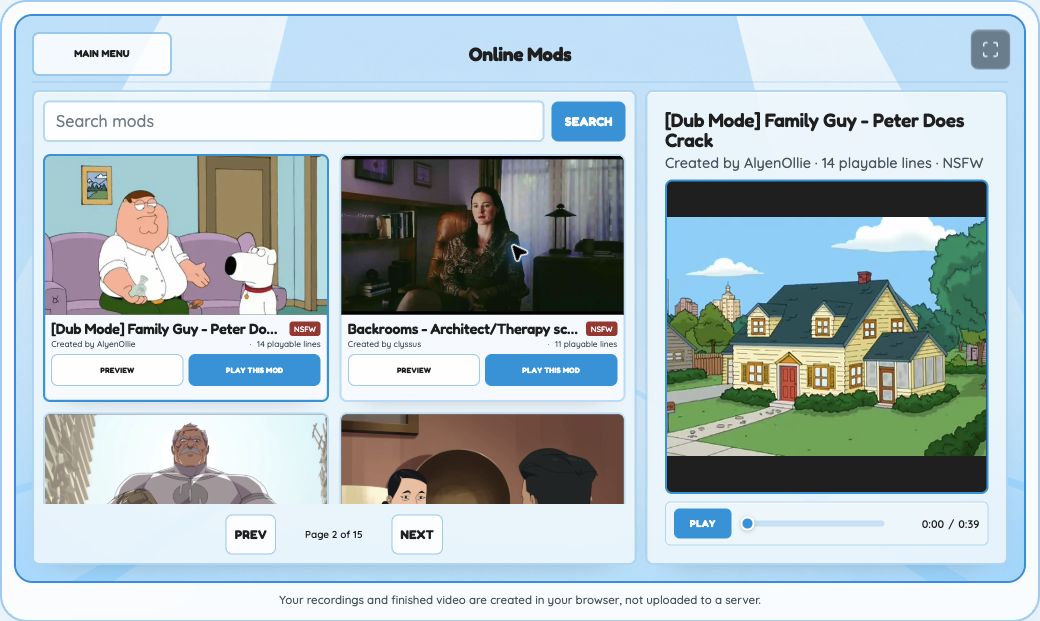
Open Online Mods and choose a pack for your dub game. Each card shows the scene, creator and clip count. Scrub the dubbing game preview before starting. After you pick a pack, it loads the first clip and keeps the rest in order. Your dub game follows that order from start to finish.
Preview a Dub Game Before You Record
The library preview plays the scene without opening your microphone. Use it to check the timing and clips in the pack. Starting your dub game loads the first clip and prepares the recording screen.
Record Every Clip in a Voice Over Game
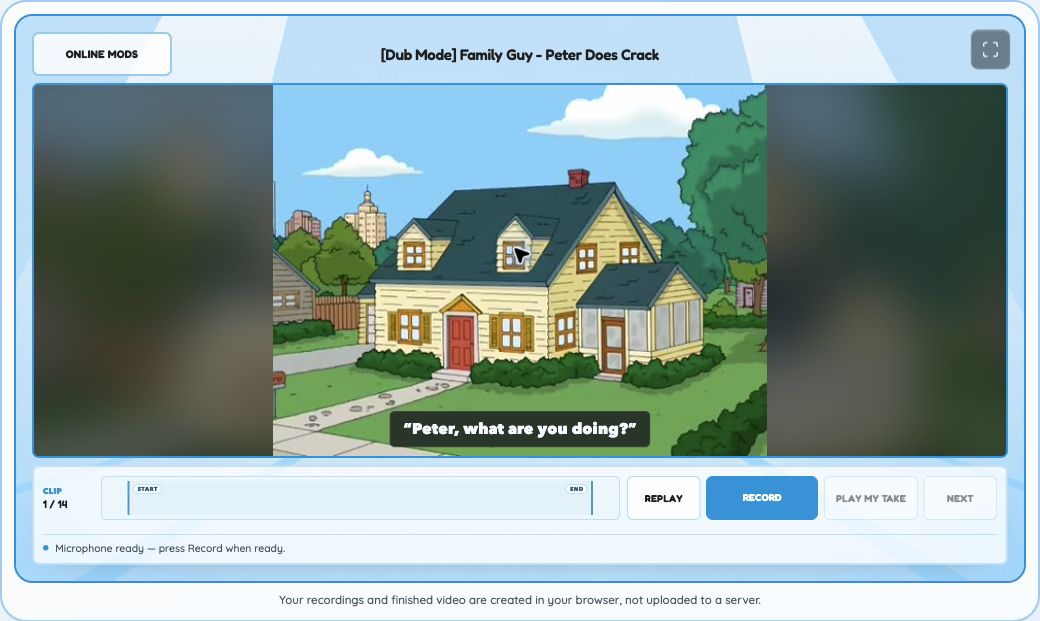
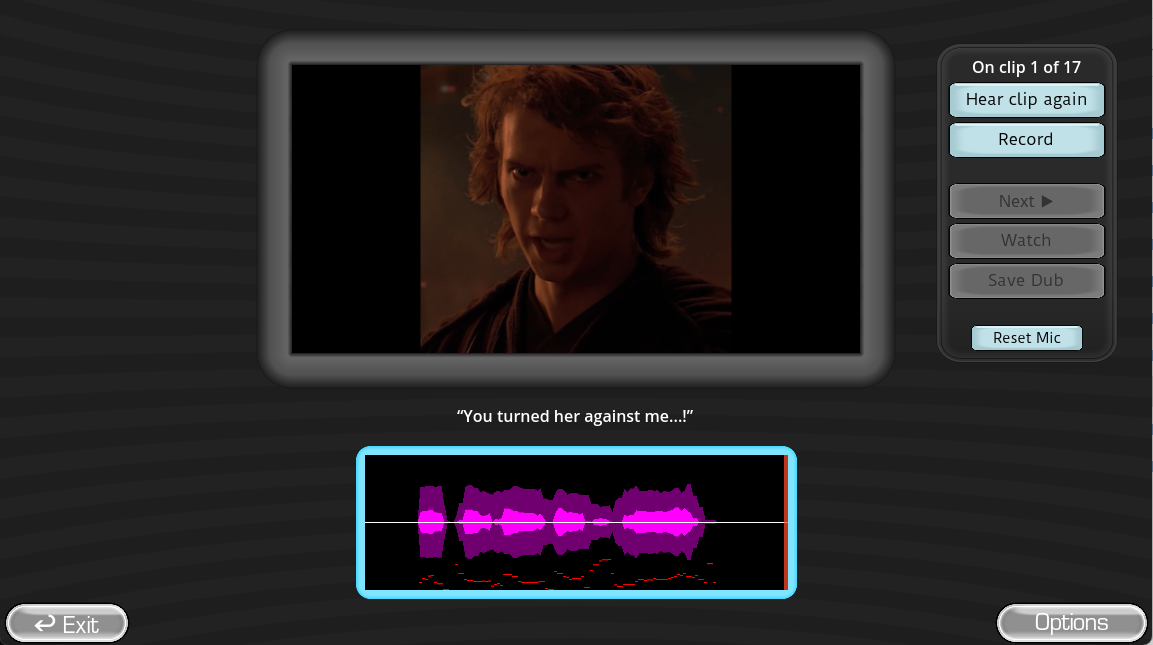
The voice over game handles one clip at a time. Press Replay to hear the reference and watch the matching part of the scene. Press Record when the microphone is ready. Once this dub game saves your take, Play my take and Next become available on the voiceover game screen.
A Game Where You Voice Over Clips
Each clip is one recording step in a dub game. A dubbing game shows the current clip number and the total in the pack. It is a game that lets you put your voice in movies one short piece at a time. Save a take, then continue to the next clip.
Replay Each Clip in This Movie Voice Over Game
The video returns to the clip start before playback or recording. That fixed starting point lets the voiceover game replay every attempt against the same timing. The dubbing game uses Replay to play the reference again. In this dub game, recording begins only after you press Record.
Microphone Setup for a Voice Over Game
Allow microphone access before recording your first clip in the voice over game. If it does not capture your voice, check the browser microphone permission, then record the clip again.
Why Is Next Locked in This Voice Over Game?
If Next or Results is unavailable, record the current clip again. The voice over game unlocks the next step after it saves a usable take.
Replay and Improve Takes in a Voice Acting Game
Play my take lets you hear the saved audio with its clip. In a voice acting game, this is where you can check whether you came in on time and whether the delivery works with the scene. This voiceover game stays on that clip until you choose Next or Results.
Retry a Take in a Voice Acting Game
Press Record again for another pass. The voice acting game replaces the saved take only after the voiceover game accepts the new recording. If it is too short or cannot be read, your dub game leaves the previous take in place.
Try Different Voices in a Dubbing Game
Copy the reference closely or give the clip a different performance. You can retry a character voice on your own. Use each take to test pacing or volume, or treat the voice acting game as a place to try a completely different delivery.
How This Voiceover Game Scores Each Take
This voiceover game scores the audio inside each saved take. Scoring in this dub game compares active recording time with the target duration. When reference audio is available, the voiceover game also compares its audio envelope. Late starts and early stops can lower the score. Long silences can do the same.
What the Voiceover Game Compares
Duration carries the most weight in a voiceover game score. The remaining score reflects waveform similarity and audible activity. This voiceover game also draws both waveforms on the same timeline for a direct visual check.
How Clip Scores Become One Final Score
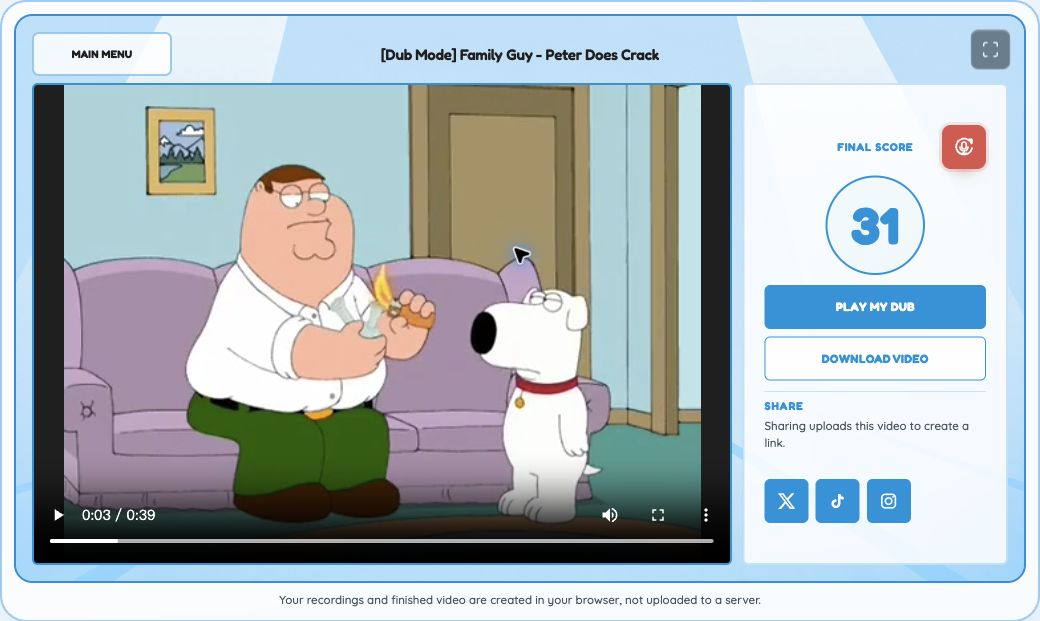
Each completed clip contributes a score. When the session ends, your voiceover game score is the average of the available clip scores. The final screen of the dub game shows that number beside the completed video.
Finish Your Dubbing Game and Download the Video
After the final clip, your dubbing game opens Results and the dub game begins rendering the saved takes. A progress indicator stays on screen while the dubbing game creates the video.
Retry Your Movie Dubbing Game Video
If the video stops rendering, press Try again in Results. The dubbing game keeps the takes from the current session, so you do not need to record every clip again.
Download Your Dubbing Game Video Before You Leave
Use Play my dub to check the finished scene, then select Download video before leaving Results. Your dub game result is only available on that page. Once you leave, you cannot return to the finished video, so download it before you go.
How The Choicer Voicer Online Handles Your Recording
The Choicer Voicer online recording flow stays in the browser. Recordings from this voiceover game remain there, and the dubbing game renders the finished video on the same device. Normal play and download never send microphone recordings to a server.
When Does The Choicer Voicer Free Online Upload Your Video?
Sharing is optional. The dubbing game uploads the finished video and poster only when you choose a social sharing action. Playing, reviewing and downloading do not create a public link.
Ready to Play Choicer Voicer free online?
Return to the game, choose a Dub Pack and record the first clip when your microphone is ready.
Play Choicer Voicer free onlineWhat Is the Choicer Voicer Game?
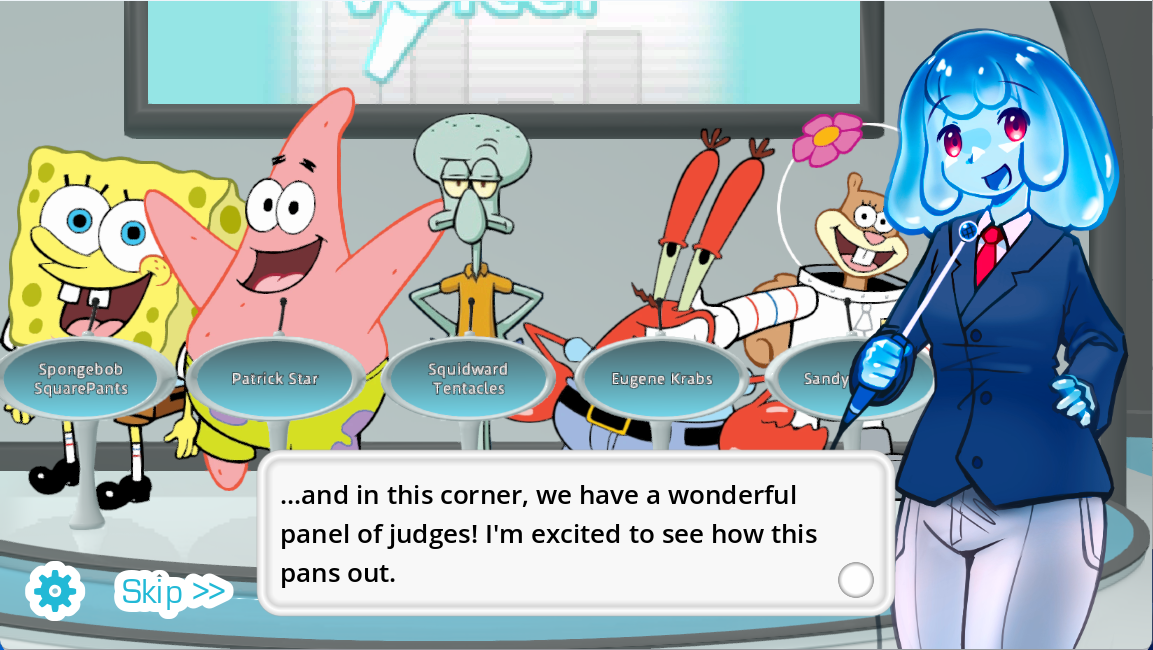
The Choicer Voicer game is a vocal-impression party game by YeahMaybe. Every performance takes place in a game show with a stage, host, contestants, and a judging panel focused on the player’s delivery. You can play for the competition or the laughs and fill the show with a favorite cast of characters.
How to Play the Choicer Voicer Game
In the Choicer Voicer game, you start a show by choosing the material for the session, then listen to the full reference sample. When prompted, record your imitation and submit the take. The judges score it, and the same loop continues until the show presents the final result.
Choicer Voicer Game Tips: Five Weird Ways to Play
Once you know the basic studio loop, you can make a Choicer Voicer game session funnier by bending the pack system instead of playing it straight. Try these five ways to take a Choicer Voicer game round beyond the default setup:
- Dub Mode, But Nobody Peeks Early: Dub Mode hides every take until the scene is finished. Load a Choicer Voicer game session with the strangest clip you can find, play it straight, and wait for the completed dub to play back for everyone in the room.
- Give the Panel Its Own Personality: Judge Packs can replace the generic top-score checkmark with unique art. Build a Choicer Voicer game panel with five different perfect-score reactions, and the judges start to feel like part of the show.
- Pick One Voice and Never Drop It: Voice Packs score the performance, not how closely it matches the character. Keep one exaggerated voice for a full Choicer Voicer game round, regardless of which clip comes next. The mismatch can turn an ordinary session into a running joke.
- Hand the Mic to Twitch Chat: Twitch Panelist mode lets chat score performances in place of computer judges. Chatter Packs can trigger audio from chat messages. Use both in one Choicer Voicer game session and the whole stream can play along.
- Build the Whole Set Around One Theme: Studio, Host, and Voice Packs can be swapped separately. Match all three to one theme, and you can change the entire Choicer Voicer game show rather than only the impressions. The session feels like a different game without changing anything outside the Customize menu.
The Choicer Voicer Game Modes
Choicer Voicer game formats determine whether you play alone or with local players, whether the game or Twitch chat scores each take, and whether recordings stay hidden until the finished dub.
Is the Choicer Voicer Game Multiplayer?
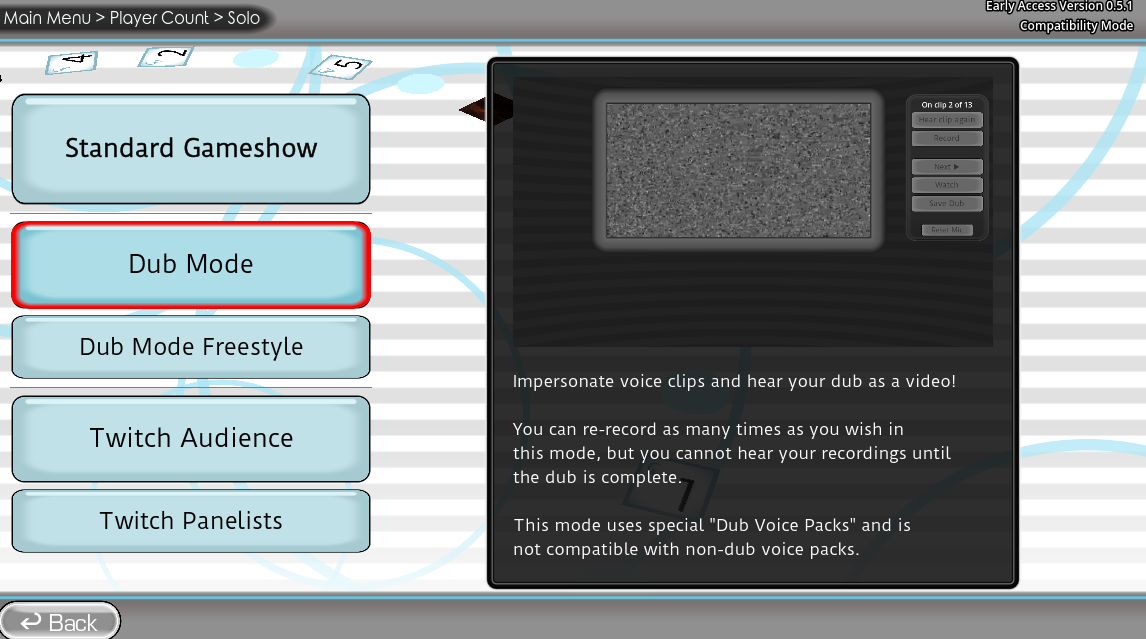
Most Choicer Voicer game modes are for one player. In the main game-show studio, one to four local players can share a device and take turns. The paid game does not currently include online multiplayer.
The Choicer Voicer Game Dub Mode
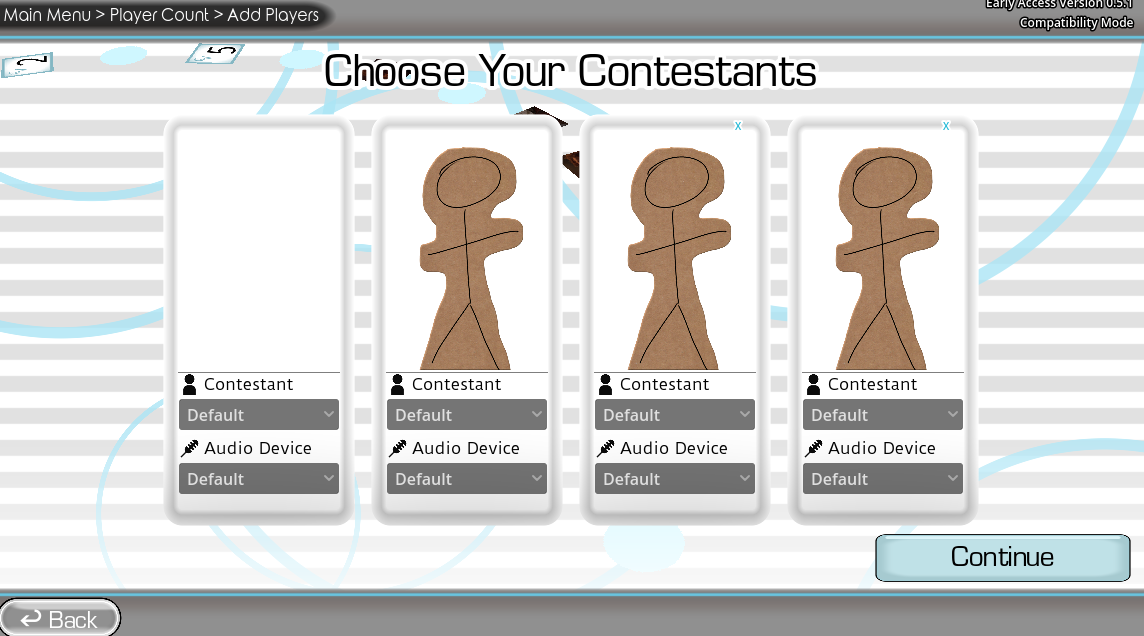
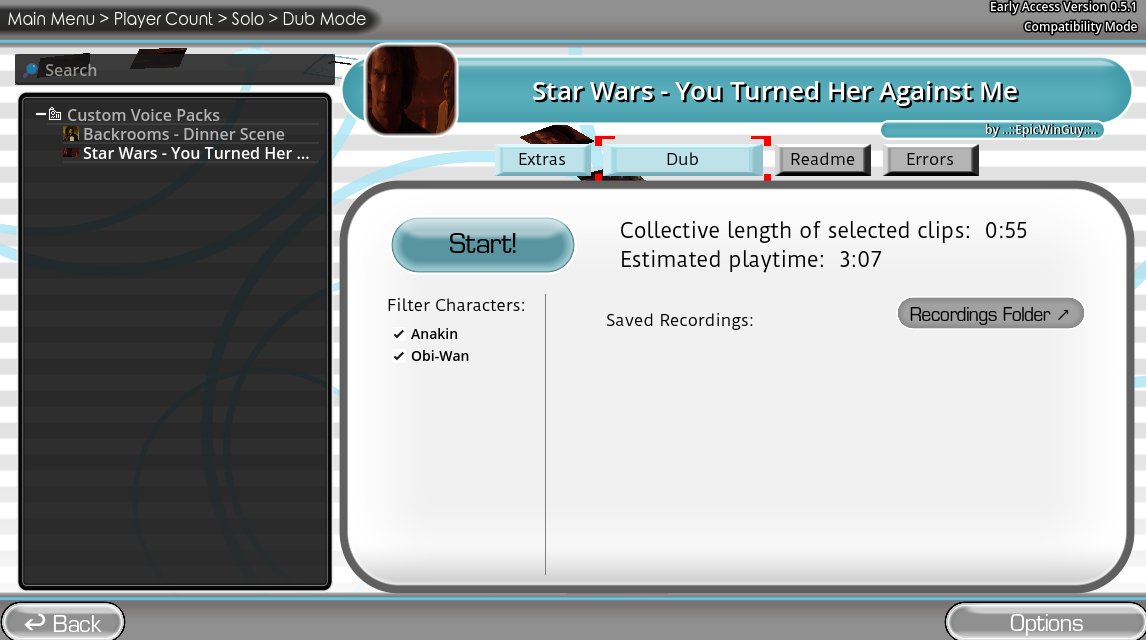
Dub Mode lets you retry each line as often as you need while keeping every recorded take hidden until the session ends. Once you finish all the samples, the game plays your performances over the scene video as a complete dub.
Twitch Modes in the Choicer Voicer Game
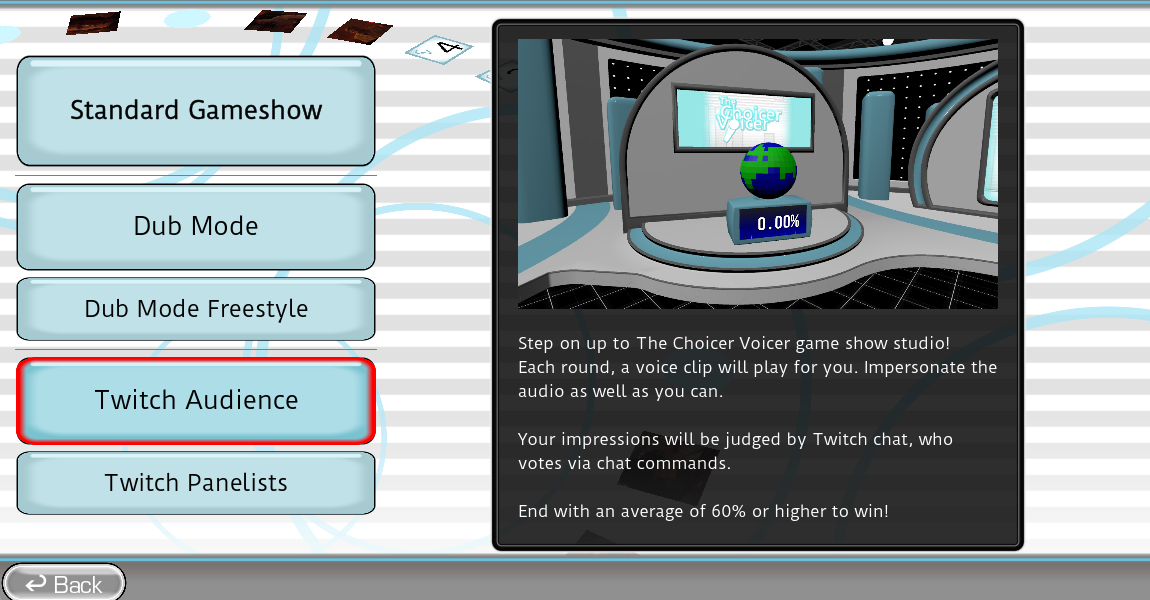
In Twitch-focused formats, a streamer’s chat votes on each performance. Compatible Chatter content can map chat keywords to audio cues, so the audience can join the show in another way.
The Choicer Voicer Game Packs and Mods
Choicer Voicer game content packs extend the game without changing its central impression challenge. A pack can add new material or replace one part of the game-show presentation.
Choicer Voicer Game Voice Packs
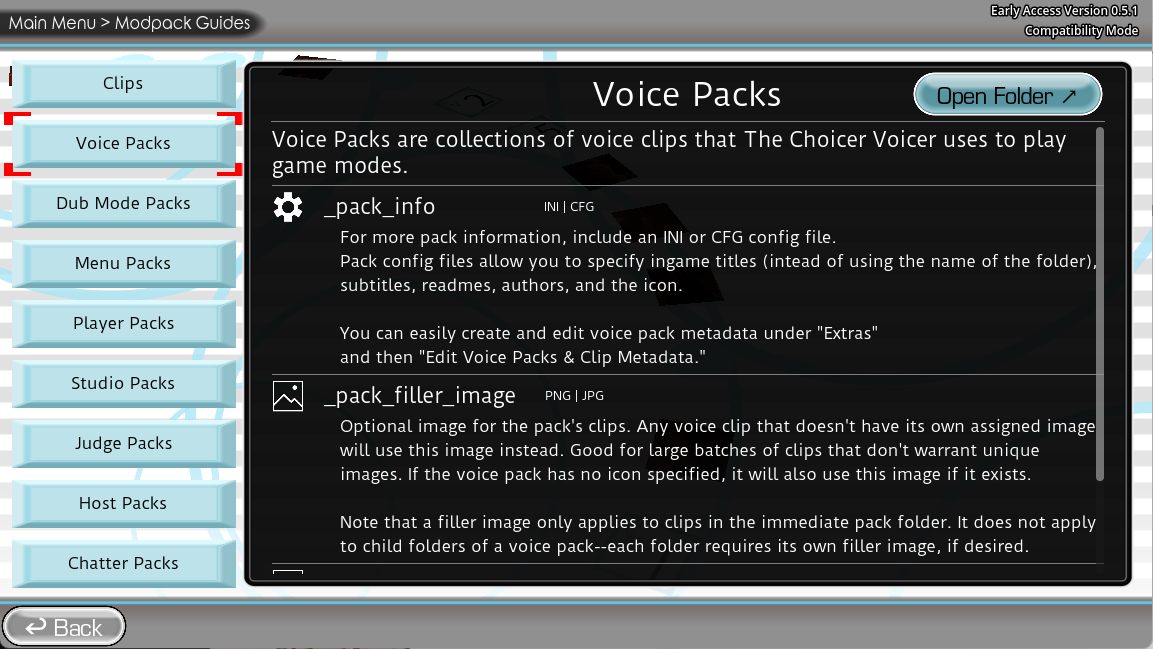
Voice Packs collect the reference samples that players imitate. Each clip can use WAV, MP3, or OGG audio under 60 seconds. In the metadata editor, you can add captions, images, tags, author details, icons, and descriptions to the pack and its clips.
Choicer Voicer Game Dub Packs
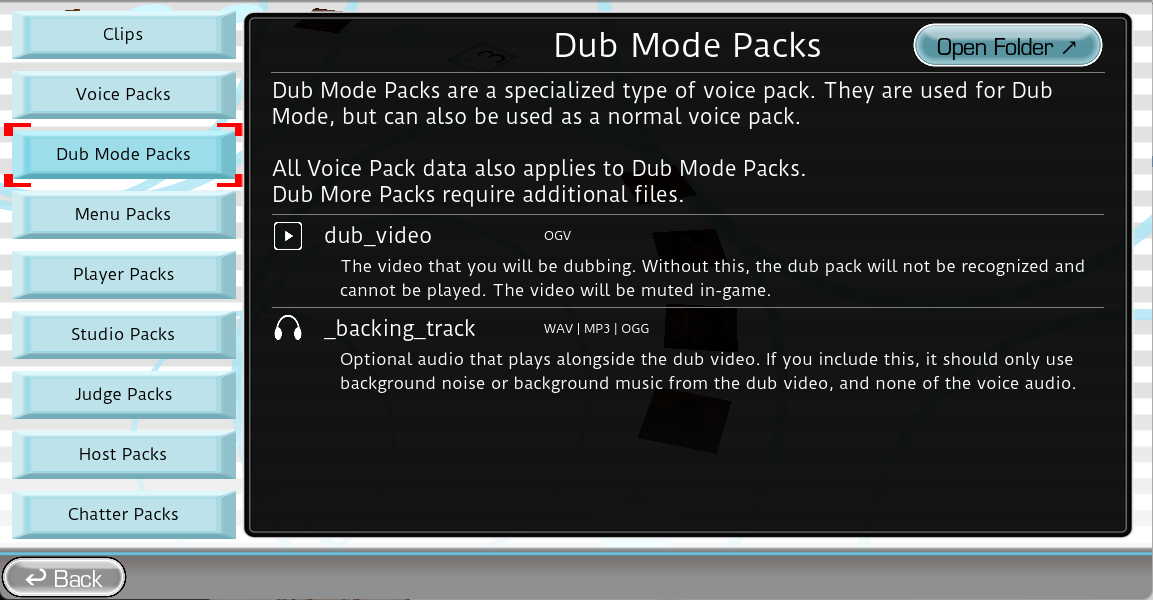
Dub Packs add video scenes to Dub Mode, along with timing metadata and optional character tags for scenes with more than one voice.
Other Choicer Voicer Game Customization Packs
Judge Packs replace the five-person panel and its reactions. Studio Packs change the game-show set. Menu, Host, and Contestant Packs customize the interface, presenter, and on-stage player character. Chatter Packs provide audio for Twitch audiences.
Choicer Voicer Game Download, Price and Platforms
The Choicer Voicer game has official Windows and Linux builds on itch.io for $5 USD or more. The project is still listed as in development, and itch.io hosts the current files and development log.
Is the Choicer Voicer Game on Steam?
The game does not have an official Steam release at the time of this review. Its itch.io page has the authorized download and purchase options.
View The Choicer Voicer on itch.ioCan You Play the Choicer Voicer Game for Free?
The complete Choicer Voicer game is paid. The developer provides a free No Gameplay Demo for compatibility testing, but it is not a free copy of the full release. You can play the browser game at the top of this page without downloading anything.


